With the TV view you show your match large on a second screen: TV, laptop or tablet. You keep scoring on your phone and the big screen follows every throw. Ideal for parties, the clubhouse and spectators.
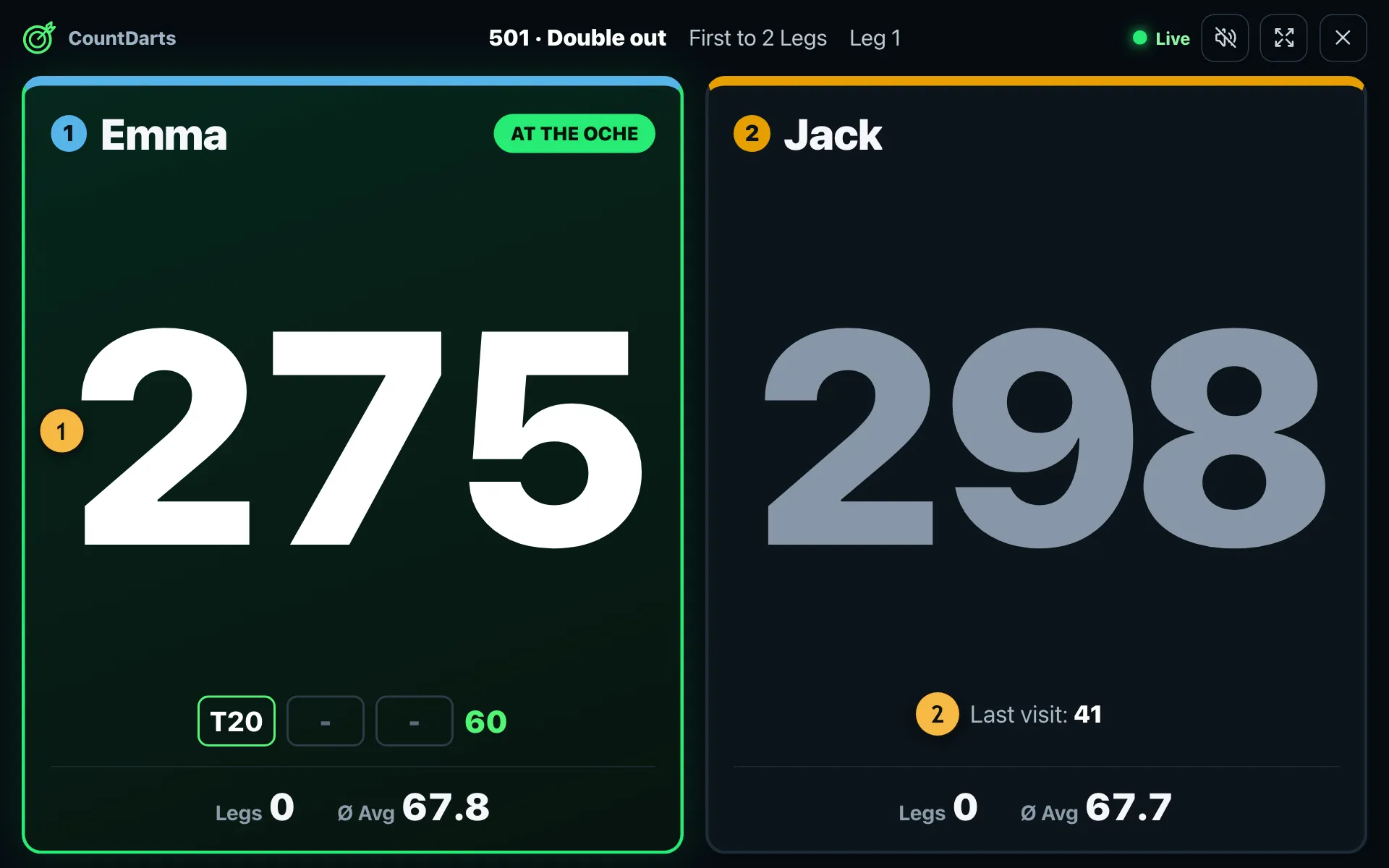
- Score left and legs, readable from several metres away.
- The last visit and the average.
How to connect the screen
- Start an X01 match on your phone as usual.
- In the game, tap the three dots at the top and then "TV view".
- Tap "Start TV view". The phone shows a six-character code and a QR code.
- On the TV or laptop, open the page /tv and enter the code, or scan the QR code with a tablet.
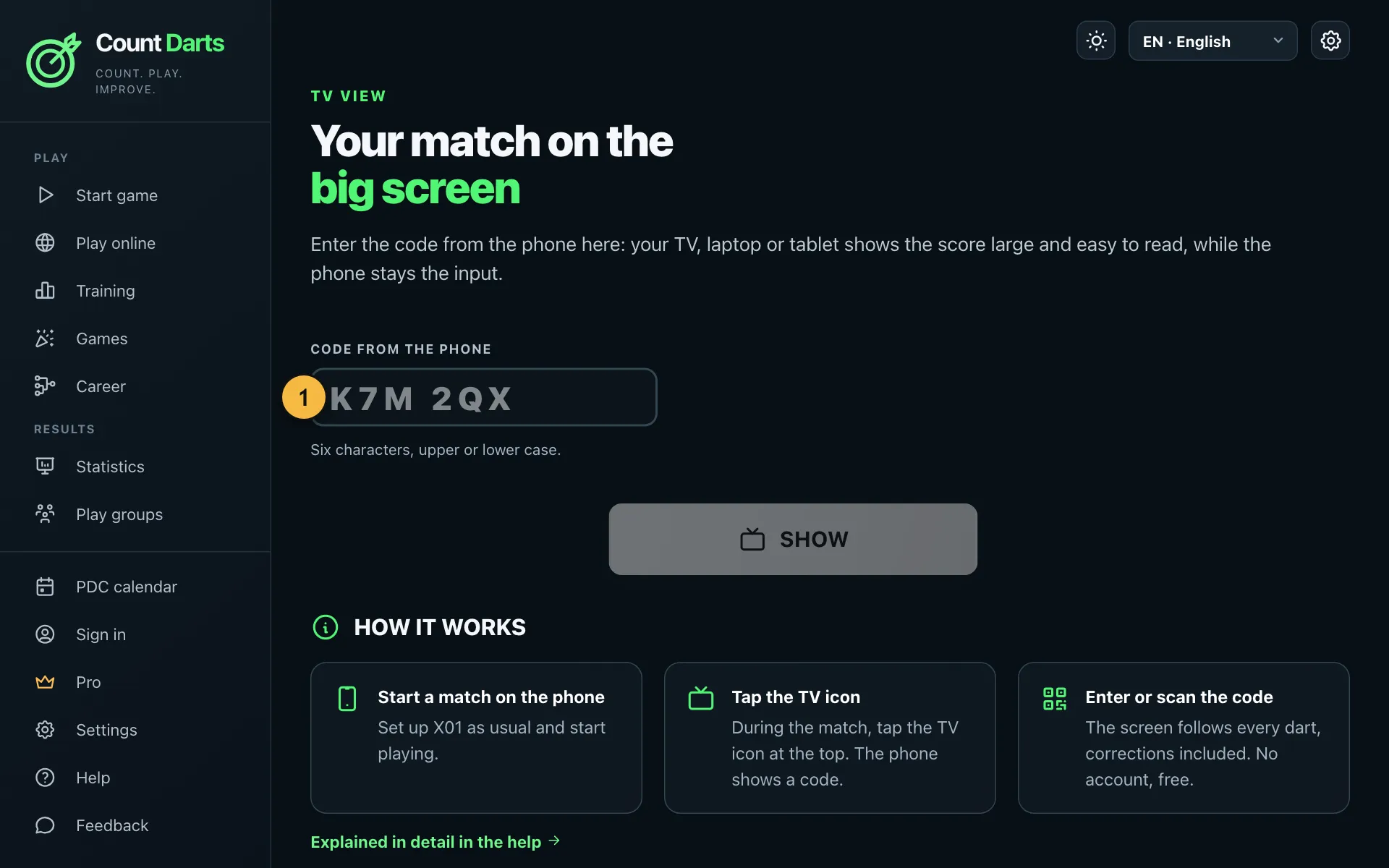
- Enter the code from the phone here.
Good to know
- The screen follows every throw, even after corrections.
- With "Caller on the TV instead of the phone", the calls come from the TV's speakers.
- You don't need an account. For the connection, player names and throws go through our server until you end the TV view.
- If the connection drops, the game simply continues on your phone.
Many smart TVs have a browser. Otherwise use a laptop with an HDMI cable or a streaming stick with a browser.