CountDarts runs in the browser. But you can also put it on your home screen like an app. Then it opens without an address bar, starts faster and also works without internet.
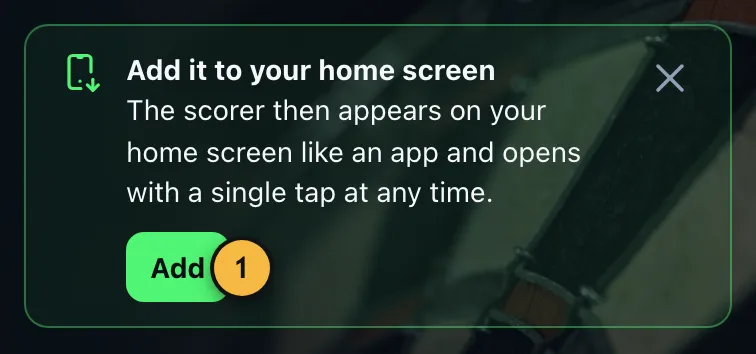
- From your second visit on, the app suggests installing itself. On Android and on a PC, one tap on "Add" is enough.
iPhone and iPad
- Open the page in Safari.
- Tap the share icon at the bottom (a square with an arrow pointing up).
- Choose "Add to Home Screen" and confirm with "Add".
Android
- Open the page in Chrome.
- Tap "Add" when the hint appears, or open the menu with the three dots.
- Choose "Install app" or "Add to Home screen".
PC and laptop
In Chrome and Edge an install icon appears on the right of the address bar. After that, CountDarts opens in its own window.
Playing offline
After the first visit, the app stores everything it needs to play. X01, Cricket, party games and practice then work even in a basement without reception. Only online games, the TV view, voice input and syncing need a connection.
Updates
The app downloads new versions by itself. The next time you open it, the new version runs. If a game is open, the app asks first instead of interrupting you in the middle of a leg.
During a game the screen stays on, so the phone next to the board doesn't keep locking itself.